Manufacturing
Ransomware Recovery for Manufacturers: A Plan to Keep Production Moving
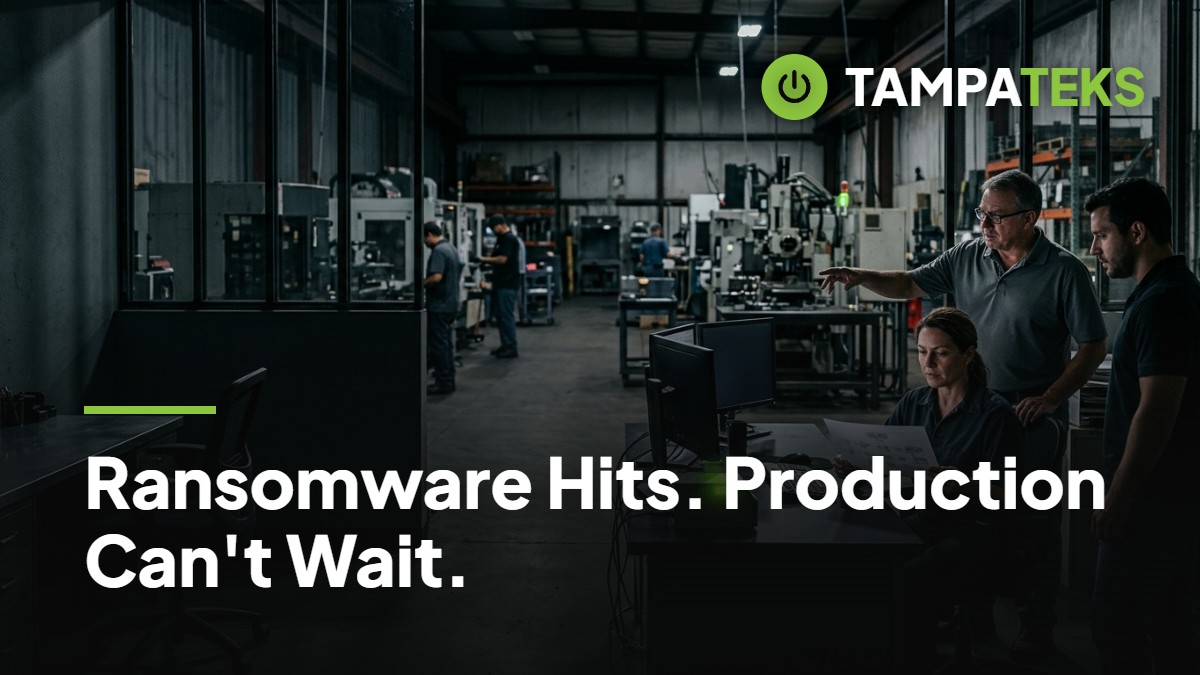
The Cost of a Frozen Shop Floor
A single screen in the front office turns red, and within minutes, the CNC machines on the floor stop responding to new job files. For a manufacturing business in Tampa Bay, this is the moment business continuity shifts from a buzzword to a survival strategy. When ransomware hits, the clock starts ticking against your delivery deadlines and your reputation with prime contractors.
Ransomware does not just lock your spreadsheets; it halts your ability to produce goods and bill customers. You need a ransomware recovery plan that focuses on the physical reality of your plant floor. This guide helps you decide today how you will keep the machines turning tomorrow, even if the office network is dark.
How to Build Your Manufacturing Recovery Plan
Decide Which Processes Can Run Offline
Identify every machine and workstation that can function without an active internet connection or server link. Some older fabrication equipment may run on local files via USB, while newer integrated systems might require a heartbeat from a central server. Knowing the difference allows you to keep a portion of your production line moving while IT works on the breach.
Create a physical folder for each workstation containing manual work instructions and paper-based tracking sheets. If your digital scheduling system goes down, your floor leads should be able to switch to a whiteboard and paper system immediately. This prevents a total work stoppage while the digital environment is being scrubbed of the infection.
- Document the local login credentials for every critical machine controller.
- Keep physical copies of your most common job specifications and CAD drawings.
- Test the ability to load programs into machines using external drives rather than the network.
Establish a Restoration Hierarchy for ERP and Scheduling
Not every server is equally important when you are trying to restart a factory. Your ransomware recovery sequence should prioritize the Enterprise Resource Planning (ERP) system and the shop floor scheduling software. Without these, you cannot track raw materials, manage inventory, or know which jobs are most urgent for your Tampa Bay clients.
Work with your IT team to ensure your ERP is backed up in a way that allows for rapid restoration. If you use Microsoft 365 Business Premium, ensure your cloud-based documentation is synced and accessible from clean, uninfected devices. Once the ERP is stable, you can then focus on secondary systems like payroll, historical archives, and general office files.
- Rank your software by how much it impacts the minute-to-minute production flow.
- Identify the dependencies between your front-office accounting and your back-office shipping.
- Verify that your ERP vendor has a documented path for emergency re-installation.
Build a Clear Communication Chain
When the network is down, your standard email and internal chat tools will likely be unavailable. You must have a pre-printed emergency contact list that includes every key employee, your managed IT provider, and your major suppliers. This list should live in a physical binder on the shop floor and in the manager's office.
Assign specific roles for who calls the insurance carrier, who notifies the customers of potential delays, and who coordinates with local utilities. In the Tampa-St. Petersburg-Clearwater area, logistics can be complicated by weather or traffic, so clear communication with your shipping partners is vital. Knowing exactly who calls whom prevents the chaos that often follows a cyberattack.
- Include personal cell numbers for all members of the leadership team.
- Designate one spokesperson to handle all external communication with vendors and clients.
- Print a copy of your cyber insurance policy and the 24-hour claims hotline.
Secure Your Offline and Immutable Backups
Traditional backups that stay connected to your main network are often the first things ransomware will encrypt or delete. To ensure a successful ransomware recovery, you must have offline or immutable copies of your data. This means the data is stored in a way that cannot be changed or deleted for a set period, even by an administrator.
Consider a tiered backup strategy where one copy is local for speed and another is in a secure, air-gapped cloud environment. If a storm causes a local power outage through TECO Energy or Duke Energy Florida, your cloud backups remain safe and ready for restoration. Regular testing of these backups is the only way to ensure they will actually work when production is on the line.
- Schedule weekly tests to verify that your backup files are not corrupted.
- Use multi-factor authentication on all backup management consoles to prevent unauthorized access.
- Store critical machine configurations in a separate, encrypted offline drive.
The Impact on Tampa Bay Manufacturing
Manufacturing is the backbone of the local economy, from the machining shops in Pinellas Park to the food processors in Hillsborough County. A ransomware attack on one local plant can ripple through the entire regional supply chain, delaying projects for aerospace, defense, and construction partners. Maintaining business continuity is not just about your own profit; it is about your role in the local industrial ecosystem.
When production stops, your liability increases and your cash flow tightens instantly. Unlike a temporary power flick from a summer storm, a ransomware event can last for days or weeks without a plan. By preparing for offline operations and securing your data restoration path, you protect the jobs of your employees and the trust of your customers across the Tampa Bay area.
3 Things to Ask Your Current IT Provider Today
- Do we have an immutable backup that is physically or logically separated from our main network so ransomware cannot reach it?
- What is our estimated time to restore our ERP and scheduling systems if the entire server is wiped?
- Can we run our most critical machines in an offline mode if we have to disconnect the shop floor from the office internet?
If your provider cannot give you a clear, documented answer to these questions, your production line is at risk. Book a Free IT Health Check: we review your computers, security and backups at no cost.
- #manufacturing
- #ransomware
- #businesscontinuity
- #tampabay
- #cybersecurity