Construction
Choosing the Best Jobsite Internet: 5G, Starlink, or LTE for Your Trailer
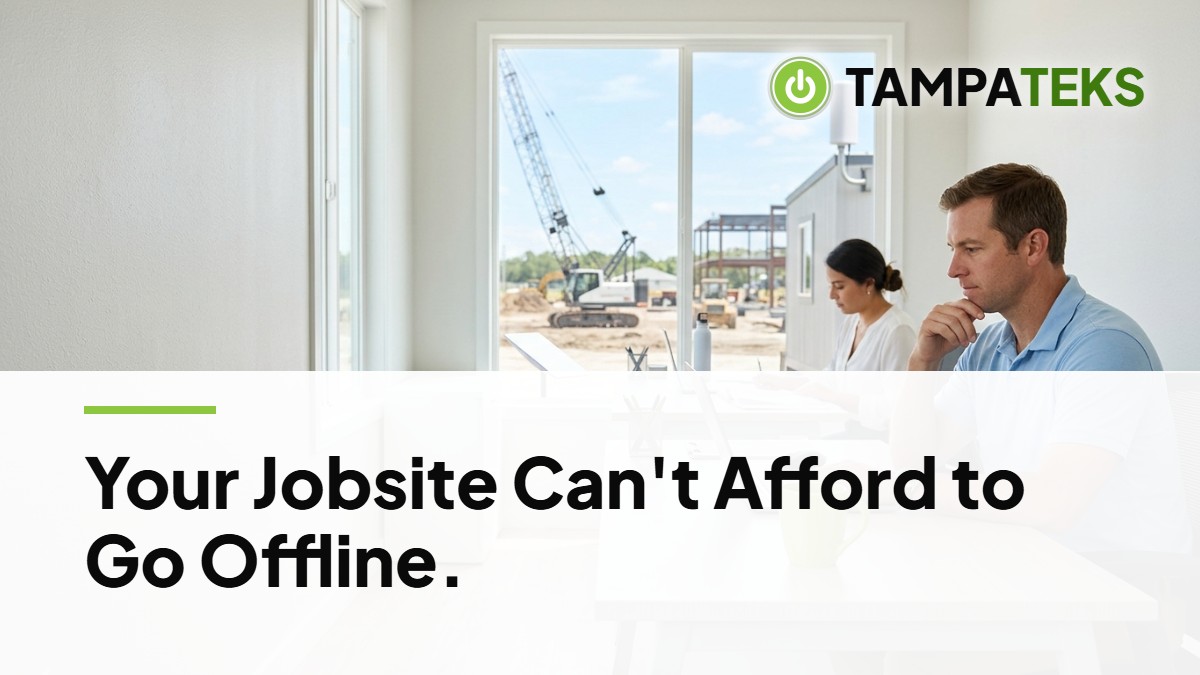
The Core Solution
A construction trailer without a working connection is just an expensive metal box that slows down your project. When your field team cannot access blueprints or update schedules, your profit margin shrinks every hour.
Evaluate 5G and LTE Cellular Reliability
Cellular options like 5G and LTE use the same towers as your smartphone to provide data. These are often the fastest to set up because you only need a modem and a SIM card to get online.
Reliability depends entirely on how close your site is to the nearest tower. In crowded parts of Tampa or St. Petersburg, high signal strength is common, but speeds can drop when thousands of people are using the same tower.
LTE is widely available and often more stable in areas where 5G signals are blocked by tall buildings or heavy machinery. You should test the signal at the specific site location before committing to a cellular provider.
Deploy Starlink for Remote or Unstable Sites
Starlink uses a dish to connect to satellites in low-earth orbit. This is a strong choice for new developments in rural areas where cellular towers are far away or overloaded.
You need a clear view of the sky for the dish to work properly. If your trailer is parked under thick tree cover or between tall structures, the signal will drop frequently.
Setup takes more effort than cellular because you must mount the dish and run a cable into the trailer. It provides a consistent flat-rate cost, which helps with project budgeting compared to cellular plans that might have data caps.
Secure Your Jobsite Network
Public cellular or satellite signals are not private by default. You need a hardware firewall between your jobsite internet source and your team’s computers.
Separate your networks with a digital wall (a VLAN) so a virus on a guest tablet cannot cross over and stop your main office computers. Use Microsoft 365 Business Premium to manage which devices can access your company files from the field.
This setup prevents a lost or stolen laptop at the site from becoming a doorway into your entire company database. Always ensure your field staff use a virtual private network (VPN) to encrypt their data as it travels through the air.
Establish a Backup Connection
One connection is never enough for a high-stakes project. If a cellular tower goes down or a storm blocks your satellite signal, your team goes dark.
A dual-WAN router allows you to plug in two different internet sources at the same time. If your primary 5G connection fails, the router automatically switches to your Starlink backup.
This happens so fast that your team might not even notice the change. It keeps your digital clocks, security cameras, and project management software running without manual intervention.
Manage Hardware Ownership and Costs
You should own your networking hardware rather than renting it from a service provider. Owning your router and firewall gives you the freedom to switch between 5G and Starlink without rebuilding your entire network.
Rented equipment often lacks the advanced security features needed for a business environment. When you own the gear, you control the security updates and the configuration.
This approach also makes it easier to move equipment from a finished site to a new one. You simply swap the SIM card or update the satellite location in the software.
Local Impact for Tampa Bay Construction
Construction in the Tampa-St. Petersburg-Clearwater area faces unique challenges from weather and geography. When a summer storm rolls in, satellite signals can experience rain fade, making a cellular backup essential for keeping your team connected.
If a major storm causes power outages, your trailer may rely on generators. Your internet hardware should be plugged into an uninterruptible power supply (UPS) to protect the electronics from power spikes when TECO Energy or Duke Energy Florida restores service.
Regional supply chains can also impact how fast you get replacement hardware if a site is flooded. Keeping a standardized kit of internet gear in your main office allows you to deploy a new construction trailer in hours rather than days.
3 Things to Ask Your Current IT Provider Today
- Does our current jobsite internet setup include a hardware firewall to protect our project data?
- If our primary internet provider goes down today, do we have an automatic backup connection ready to take over?
- Do we own our trailer routers and access points, or are we paying monthly rental fees for equipment we do not control?
Reliable connectivity keeps your projects on time and your data safe from the trailer to the main office. Book a Free IT Health Check: we review your computers, security and backups at no cost.
- #ConstructionTechnology
- #TampaBusiness
- #JobsiteInternet
- #ManagedIT
- #Starlink